
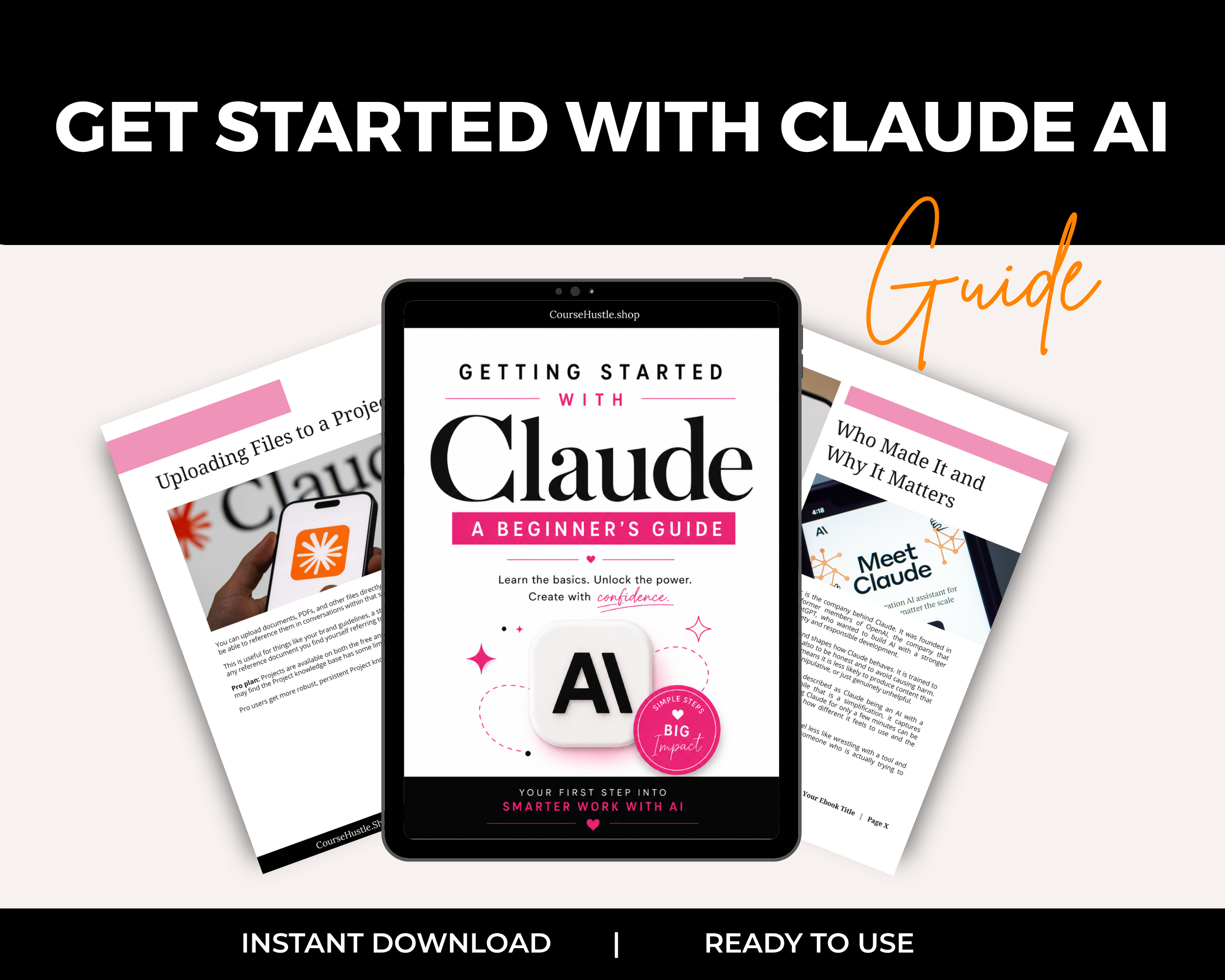
Getting Started with Claude AI
Curious about Claude AI but not sure where to start?
Claude has become a powerful AI assistant for writing, research, brainstorming, creating, organizing information, and so much more.
But opening Claude for the first time can leave you wondering...
What do I actually do with it?
What's the difference between Free and Pro?
What are Projects?
What's this Memory thing?
And how do I get Claude to give me answers that are actually useful?
That's exactly what Getting Started with Claude AI is here to help with.
Imagine this instead...
Instead of clicking around Claude trying to figure everything out yourself, you have a simple beginner-friendly guide that walks you through the features you actually need to know.
You'll learn how Claude works, how to communicate with it effectively, and how to use its most useful features to get more done.
No technical background required.
No coding experience needed.
Just a straightforward introduction to help you start using Claude with confidence.
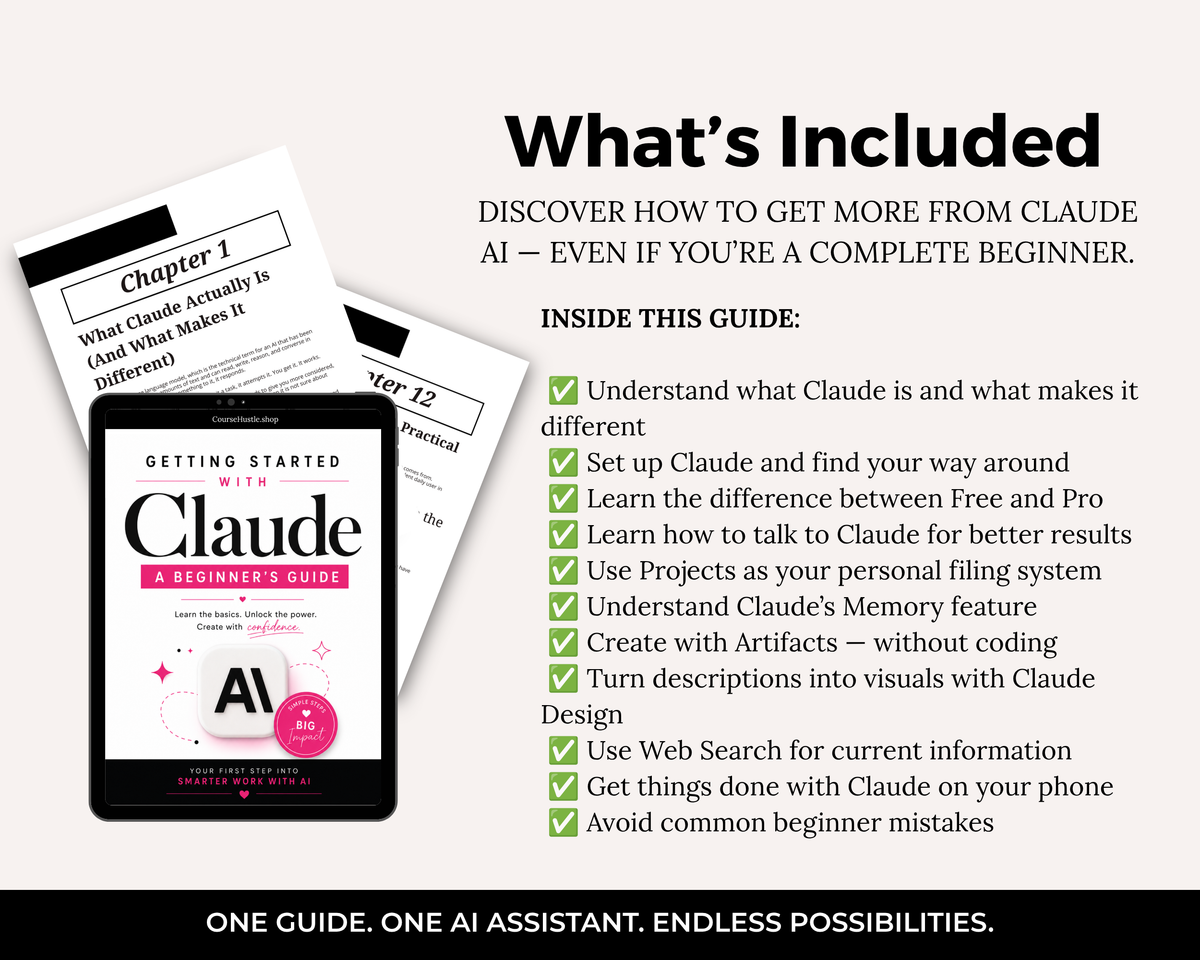
Inside This Guide, You'll Learn:
✅ What Claude Is — Understand what Claude does and what makes it different from other AI assistants
✅ Getting Started — Set up Claude and find your way around the interface
✅ Free vs. Pro — Understand the differences between Claude's Free and Pro options
✅ Better Prompts — Learn how to talk to Claude so you get more useful results
✅ Projects — Use Projects as your personal filing system for organizing your AI work
✅ Claude Memory — Understand how Claude's Memory feature can help personalize your conversations
✅ Artifacts — Create documents, tools, and interactive content with Claude—without needing to code
✅ Claude Design — Turn descriptions and ideas into visuals with Claude's design capabilities
✅ Web Search — Use Claude to find and work with current information
✅ Claude on Your Phone — Take Claude with you and get things done from your mobile device
✅ Beginner Mistakes — Avoid the common mistakes that can lead to frustrating or disappointing results
Why It Works
AI can feel overwhelming when you're trying to figure everything out at once.
You don't need to become an AI expert to start getting value from Claude.
You simply need to understand what the different features do, when to use them, and how to communicate with Claude effectively.
This guide breaks Claude down into practical, easy-to-understand steps so you can go from "What am I supposed to do here?" to actually using Claude as a useful AI assistant.
Instead of learning through trial and error, you'll have a clear starting point and a practical reference you can return to whenever you need it.
Perfect For
-
Complete beginners to Claude
-
Business owners
-
Coaches and consultants
-
Course creators
-
Digital product sellers
-
Content creators
-
Freelancers
-
Entrepreneurs
-
Anyone curious about using Claude AI
-
Anyone switching from another AI tool
Whether you're completely new to Claude or you've already created an account but aren't sure how to use its features, this guide gives you the foundation you need to get started.
Stop wondering what Claude can do.
Start using Claude to write, create, research, organize, and get more done.
👉 Get Getting Started with Claude AI and start making Claude work for you.
Choose options